What Materials Can a Phone Case Printing Machine Print On
Phone case printing materials for B2B. Specs like TPU ≥42 dyn/cm & PC ≤38° contact angle ensure profit. Reliable wh...

I'm the COO of GOBEAR. We help entrepreneurs, mall operators, 3C mobile stores, event venues, and campus retailers tap into high-margin, low-maintenance vending models.
Cash-only vending is a fast track to stagnant revenue. With most consumers now reaching for cards or phones, your machines need to adapt or get left behind. But what does a cashless transition actually cost? We’ve analyzed the 2026 market to bring you the real numbers—from hardware and transaction fees to the hidden ROI of telemetry. Here is everything you need to scale profitably.
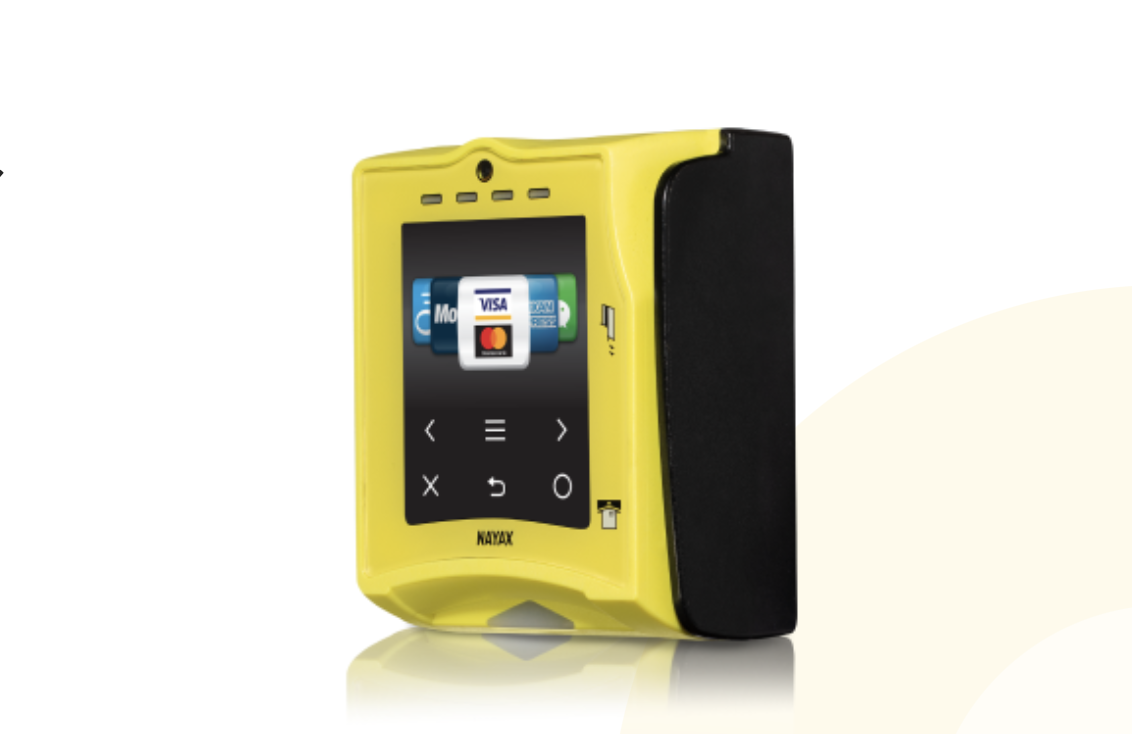
Upfront hardware costs range from $200 to $600. Monthly fees and transaction percentages apply, but operators typically recover the investment within two to six months through a 50% sales boost.
| Hardware Category | Price Range | Key Capabilities |
|---|---|---|
| Budget Models | $200 – $400 | Basic credit, debit, and mobile payment (e.g., Nayax VPOS Touch) |
| Mid-Range and Premium | $300 – $500+ | Live sales tracking and full telemetry (e.g., Nayax Onyx, Cantaloupe G11 ePort) |
| Complete Upgrades | Up to $600 | Includes card reader and all necessary mounting accessories |
| Bulk Purchases (5+ Units) | $289 – $314 | Discounted per-unit pricing for route operators buying in volume |
Beyond the hardware, operators pay recurring costs to keep the machines connected. Providers charge monthly service fees ranging from $7.95 to $9.99. This subscription grants you access to cashless networks, remote telemetry, and backend sales databases.
Every swipe carries a transaction fee based on the item's price:
Items under $5: 5.95% rate or a flat $0.05 fee per transaction.
Items over $5: 2.5% charge plus $0.10 per swipe.
While these fees eat into individual margins, the revenue gain heavily outweighs the operational cost. Adding cashless hardware pays for itself within two to six months by capturing sales from customers without cash.
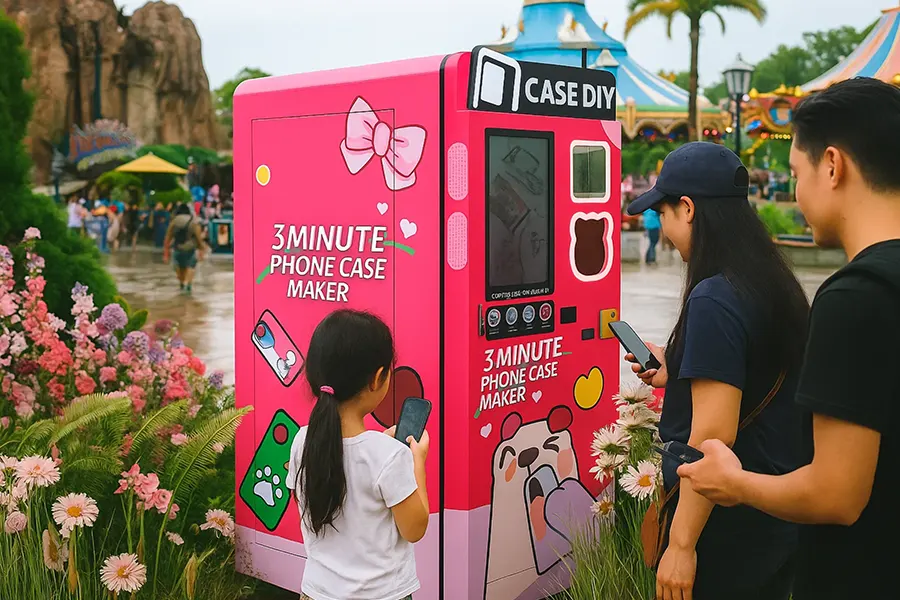
Modern card readers require MDB compatibility for simple plug-and-play installation. Older machines lacking this standard face expensive reprogramming or hardware upgrades to support cashless payments.
Before adding new payment hardware, verify your vending machine supports the MDB (Multi-Drop Bus) protocol. This industry standard dictates how the machine's internal components communicate with external payment devices. Evaluate older units carefully; machines lacking native MDB support may require expensive reprogramming or complete control board replacements.
Power down: Turn off the vending machine completely to start the hardware setup safely.
Mount the reader: Position the unit over the designated cutout near the bill acceptor. Use the provided drill templates and mounting plates.
Connect the hardware: Route the reader's cable and plug it directly into the MDB port on the main control board.
Initialize: Power the machine back on. The reader will boot up, establish a network connection, and verify payment functionality.
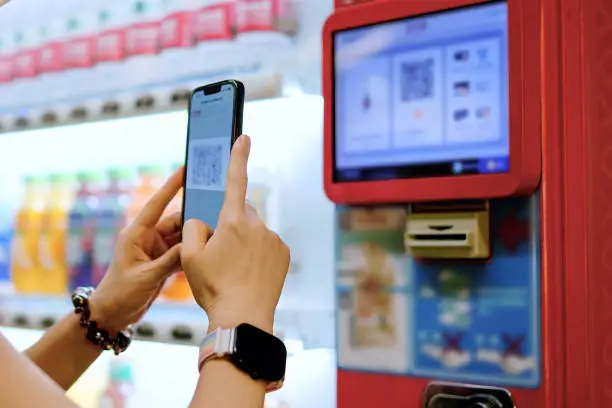
Match your transaction fee structure to your average ticket size. A blended rate works best for low-cost snacks, while tiered pricing saves money on higher-value vends.
Payment processors give operators two main pricing paths. You need to align this choice directly with your machine's average ticket size to protect your profit margins:
Blended Rate: Choose the 5.95% rate when your average vend value stays at $5 or less. This simplifies accounting for low-cost snacks and drinks.
Tiered Rate: Select the 2.5% plus $0.10 per transaction model if your average sales exceed $5. This structure prevents fixed swipe fees from consuming too much of your margin on premium items.
You do not have to stick to standard vending industry processors. Different payment companies offer alternative setups that replace the blended and tiered models with a single, predictable number:
Pricing Structure: Some processors offer flat percentage rates instead of tiered models.
Fee Range: These alternative transaction fees usually range from 1.5% to 3% per sale, which can be highly advantageous for high-volume routes with consistent price points.
Upgrading to card readers directly increases sales in 2026 by eliminating cash-only barriers. This shift captures impulse purchases from buyers who expect to use credit, debit, or mobile wallets.
Sales Uplift: 20% to 50% increase in total revenue across locations.
Cost Recovery: 2 to 6 months to recoup the initial hardware investment.
Accepted Methods: Credit, debit, NFC, and mobile wallets like Apple Pay.
Mid-range and premium card readers supply live sales data so operators can track purchasing trends and maintain optimal inventory levels.
Live Sales Tracking: Monitor transaction volume and peak purchasing times remotely.
Inventory Management: Prevent stockouts and identify slow-moving products instantly.
Performance Insights: Adjust pricing strategies based on real-time data to maximize margins and reduce unnecessary service visits.

Vending operators minimize PCI compliance risks and costs by using processor-integrated, tokenized card readers to shift the data security burden directly to the payment gateway.
Vending operators typically qualify as Level 4 merchants because they process under 20,000 transactions annually.
First-Year Compliance: Expect to spend $500 to $2,000 for a single machine setup (SAQ filing and staff training).
Vulnerability Scans: Plan for $100 to $200 per IP address for mandatory quarterly network scans.
Hardware Upgrades: Modern readers ($200-$400) use tokenization to instantly convert payment details into secure tokens, eliminating local cardholder data storage.
PCI DSS standards require you to implement point-to-point encryption (P2PE) and establish physical network segmentation. This isolates the vending machine connection from your broader operational networks. Failing to maintain valid compliance credentials results in penalty fees starting at $30 per month, which escalate for prolonged violations.
Most payment failures trace back to loose MDB connections or incomplete network activations. Check your hardware ports before replacing the reader.
Physical Connections: Verify the card reader connects securely to the MDB port. A loose cable immediately drops transactions.
System Settings: Confirm the machine control board programming supports multiple payment options to allow the reader to initialize upon power-up.
Connectivity: Check the telemetry signal on premium models to ensure the live updates function. Weak cell reception prevents communication with the processor.
Account Status: Audit your merchant account status to confirm activation and that all required account fees are paid.
Upgrading to card readers pays for itself in two to six months through a surge in sales and reduced service labor.
Adding cashless access immediately boosts your sales by 20% to 50% by capturing customers who rarely carry bills or coins in 2026. This spike makes the financial math simple: you will typically see a full return on the initial $200 to $600 investment within two to six months.
The higher daily throughput easily covers monthly service charges and per-transaction fees. Premium models further slash costs by using real-time inventory data to eliminate unnecessary service runs, keeping your route highly efficient.
You bet! Most readers are plug-and-play via the MDB port. If your machine has a standard cutout, you can handle it in 20 minutes with basic tools. No expensive technician or electrician is required.
Absolutely! While non-MDB machines need a conversion kit or board upgrade ($150-$300), it is a smart move. Just check for that 6-pin plug first. Retrofitting breathes new life into reliable, older equipment without the hassle.
No need to worry about data plans! Major readers come with built-in SIM cards. Your monthly fee covers all cellular data and security updates. It is a total hassle-free solution for staying connected and processing sales 24/7.
Keep an eye out for one-time activation fees, usually $30 to $50 per device. You might also want an external antenna if your machine is in a low-signal area. Otherwise, the pricing structure is very straightforward!
Go with 4G LTE every time. While Wi-Fi sounds cheaper, it is notoriously flaky for vending routes. 4G offers rock-solid reliability and keeps your sales flowing even during local outages. Don't let a dropped signal cost you money!
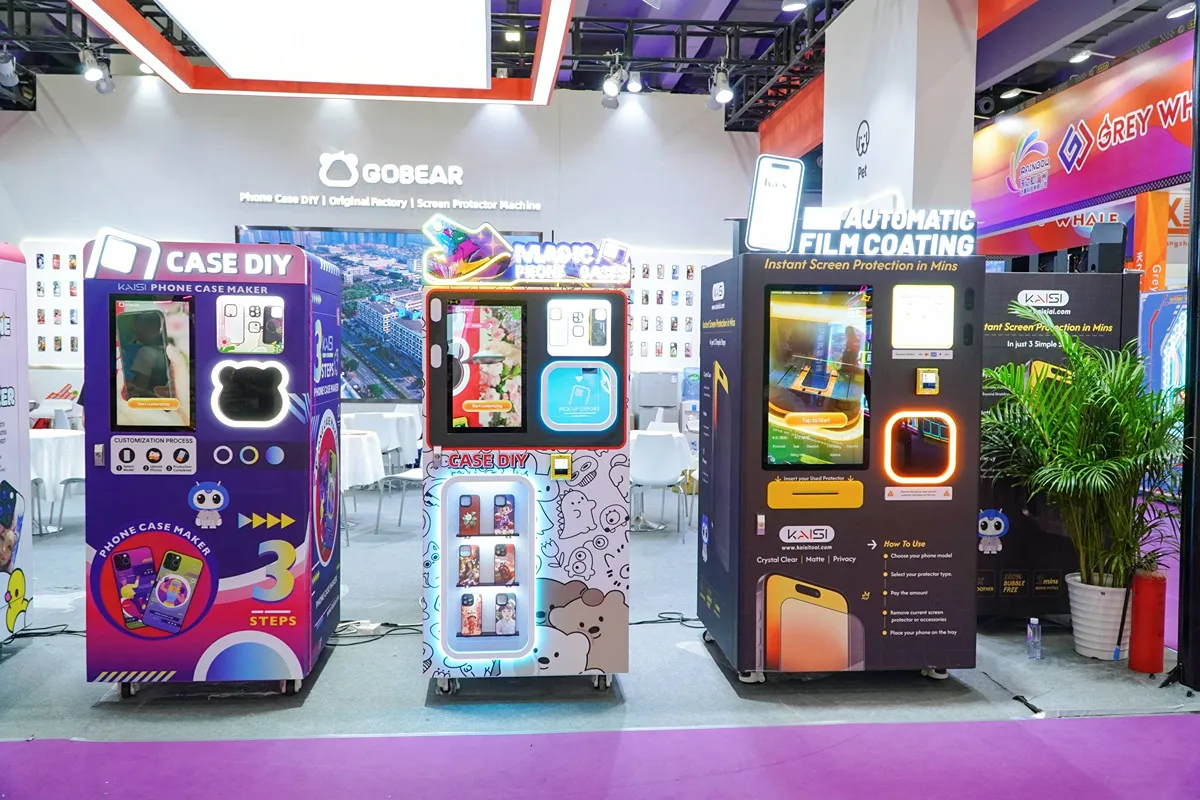
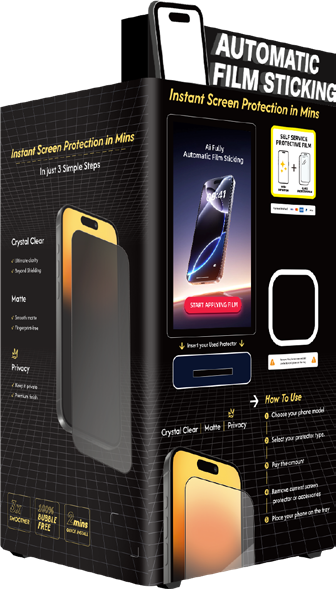
Sticking with cash-only systems is a recipe for missed opportunities. In 2026, upgrading is no longer optional—it is a strategic necessity for long-term growth. At GOBEAR, we help operators dominate the high-margin tech accessory market with specialized DIY phone case and automatic screen protector vending machines, pre-equipped with seamless cashless technology.
Ready to modernize your route and capture every impulse buy? Contact us today to find the perfect hardware and scale your business profitably.
Share your business vision with us. Our automated retail experts will craft a tailored strategy and a comprehensive profitability report to unlock your next revenue stream.