Latest Phone Case Design Trends: What Customers Want in 2025 - GOBEAR
Latest Phone Case Design Trends for 2025 include bold colors, eco-friendly materials, smart features, and customizable s...

I'm the COO of GOBEAR. We help entrepreneurs, mall operators, 3C mobile stores, event venues, and campus retailers tap into high-margin, low-maintenance vending models.
Imagine it’s a busy Saturday afternoon. Customers are curious and ready to buy, but instead of collecting payments, your machine is sitting there with a dark screen or a jammed dispenser. That‘s revenue walking right out the door.
Maintenance might not be the most exciting part of this business, but it is your profit insurance. In this guide, we’ll walk through the essential steps so you can prevent downtime and keep that passive income flowing.
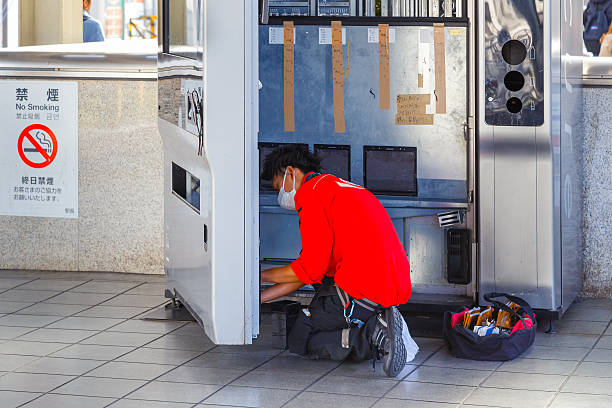
The printer is the heart and soul of your operation. If the print looks bad, you don’t have a product. Your machine uses the Epson I1600-U1 UV print head, which is an incredible piece of engineering, but it’s like a high-end sports car—it needs premium care to perform.
Why you can’t skip this: If you skip daily cleaning, ink residue and dust start to accumulate on the nozzle plate. This leads to clogs, streaks, and faded colors. You definitely don’t want a customer paying for a custom case that looks blurry.
The Daily Ritual:
Kill the Power: Always turn the machine off before you touch the delicate internals.
The Right Tools Only: Grab a soft, lint-free cloth and dampen it lightly with 70% isopropyl alcohol. Put the paper towels away. They leave lint behind, which causes more clogs than they fix.
Wipe it Down: Give the print head a gentle wipe at the start of every single day. It takes two minutes, but it saves you from buying a customized replacement head later.
The biggest enemy of a vending machine isn't hackers or power surges—it’s dust. A clean interior is your best defense against those frustrating "jammed" errors.
Shelves and Bays: Dust creates friction. If your shelves are dusty, the phone case blanks won't slide smoothly. Use a dry microfiber cloth to wipe down the bays so the cases glide right out.
The "Eyes" of the Machine: Your machine uses optical sensors to "see" if a product has dropped. If those sensors get covered in dust, the machine thinks a product is jammed when it’s actually fine. A quick wipe keeps the machine seeing clearly.
Clear the Path: Check the dispensing chute. Sometimes a bit of packaging or a stray sticker gets stuck there. Clear it out to ensure a smooth delivery.
Aesthetics sell. Would you buy food from a dirty kitchen? Customers feel the same way about your machine. If it looks grimy, they won't trust it with their credit card.
Sparkling Glass: The "wow" factor of these machines is watching the robotic arm work through the window. Keep that glass crystal clear using a non-abrasive glass cleaner.
⚠️ Crucial Warning: Never use alcohol on the touchscreen or the clear plastic windows. It will fog up the plastic and ruin the finish. Save the alcohol for the metal print head components only.
Sanitize the Tech: Once a month, pull the inventory out and give the robotic arms and internal mechanism a wipe-down with a mild antibacterial agent. It keeps the machine running smoothly and looking professional.
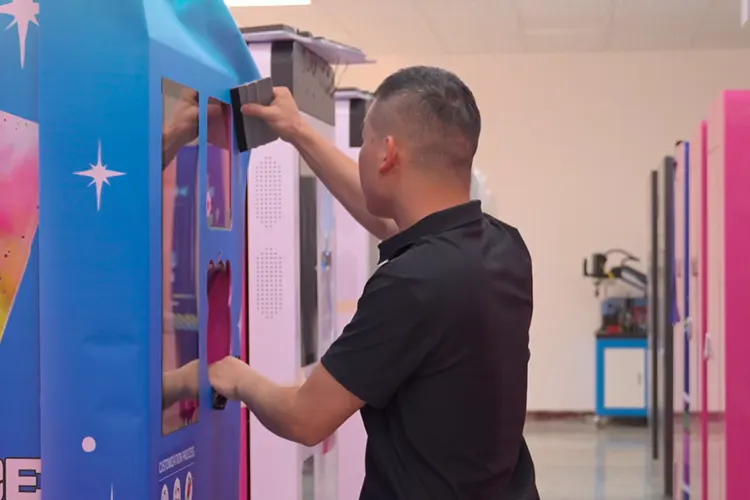
Here is a mistake rookies make all the time: they clean the machine, lock it up, and drive away without checking if it actually works. Don't be that person.
The "Test Vend": Run at least two test cycles. Listen to the motors. Do they sound smooth, or are they grinding? Does the case come out within the standard 120 seconds?
Pro Tip: You don't need to burn money testing. Catch the "test case" when it comes out. If it’s unprinted and undamaged, just pop it right back into the inventory bay. Zero waste.
Take Your Money: Slide your own credit card or tap your phone. Does it connect instantly? If you accept cash, check the bill acceptor. If it’s struggling to eat a dollar bill now, it’s going to fail on a customer later.
Our AI-powered kiosks print custom phone cases in about 120 seconds, creating a high-margin revenue stream for your venue. With no monthly software fees, a 3-year warranty, and remote management, it offers a simple, low-overhead vending solution for operators, retailers, and event organizers.
Maintenance isn't just about what you do when you're at the machine; it's about knowing what's happening when you're not there. Your cloud alert system is like having a 24/7 employee watching the shop for you.
Set Up Notifications: Make sure alerts for "Out of Stock," "Printer Error," or "Payment Failure" are pushed directly to your phone.
Be Proactive: If you get a connection error, you might be able to reboot the machine remotely from your couch. If a mechanical error pops up, the alert will usually tell you exactly which part is acting up. This means you show up with the right screwdriver, instead of guessing.
When the machine beeps and flashes a code, don't panic. It’s just the machine telling you where it hurts. Here is how to translate the robot-speak:
Payment Errors (E2, CHUTE): These are almost always physical blocks. E2 usually means a crumpled bill is stuck, and CHUTE means a coin is jammed. Open it up, clear the debris, and you’re usually good to go.
Logic Errors (0F3, 0FB): These look scary, but they are often just a software glitch. Think of it like your laptop freezing. Unplug the machine, wait two minutes (let the power fully drain), and plug it back in. A "hard reset" fixes more problems than you'd think.
The Scary One (EFL8): If you see EFL8, pay attention. This is a control board issue. If a reboot doesn't fix it, call tech support. This isn't one you want to hack together yourself.
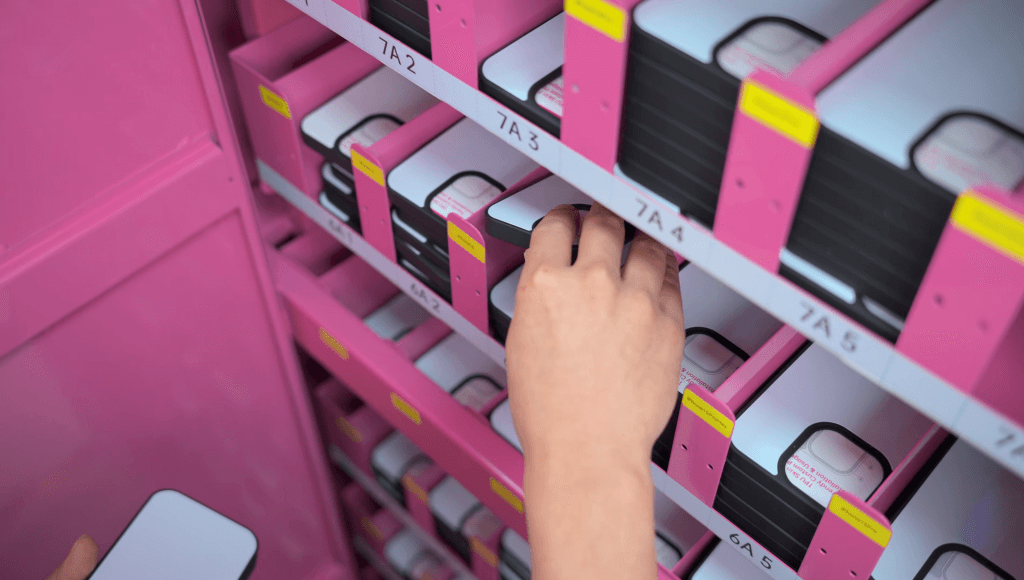
An empty machine is just a heavy box that takes up space. Inventory management is maintenance for your wallet.
Follow the Data: Don't guess what people want. Look at your dashboard. Are the latest iPhone 17 Pros flying off the shelf while the older models sit there? Stock accordingly.
Beat the Weekend Rush: If you know Saturday is your busiest day, don't wait until Monday to restock. Check your levels on Thursday so you’re ready for the rush.
Don't Forget the Ink: It’s easy to focus on the cases and forget the ink. Check those tank levels weekly. Running dry mid-print is a disaster for print quality.
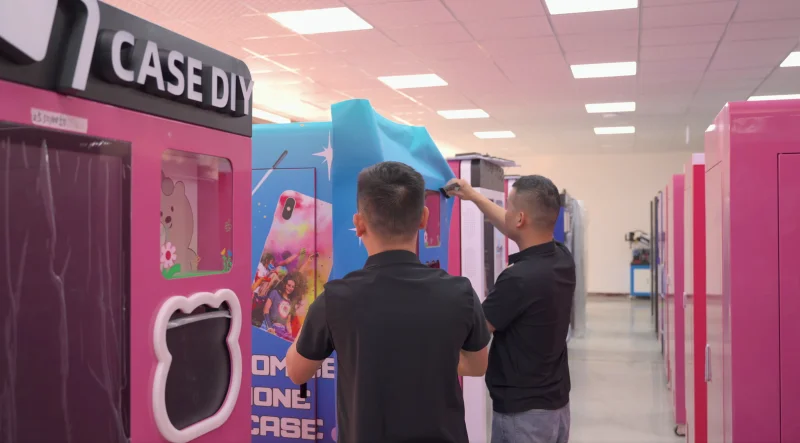
To make this foolproof, I’ve broken it down into two simple checklists. Copy these, print them out, or save them to your phone.
Print Head: Wipe with alcohol and a lint-free cloth. (Do not skip this!)
Touchscreen: Wipe away fingerprints with a microfiber cloth.
Visual Check: Is the power on? Is the internet connected?
Ink Check: Quick glance at the ink levels.
Dust Everything: Wipe the shelves and the dispensing path.
Clean Sensors: Gently clear the optical sensors so they don't trigger false jams.
Empty Waste Ink: Check the waste ink bottle. If it’s more than half full, empty it. If that overflows, you’re looking at a messy, expensive cleanup.
Test Run: Do a card transaction and a test vend.
Restock: Fill up the blanks and check the receipt paper.
Reliable performance is the result of building good habits. By prioritizing the UV print head care, keeping the interior clean, and responding quickly to cloud alerts, you can virtually eliminate unexpected downtime.
However, maintenance is significantly easier when you start with equipment that is built to last. That is the philosophy behind Gobear. As a leading manufacturer of both phone case vending machines and screen protector vending machines, we design our hardware to be robust, user-friendly, and reliable, minimizing the headaches operators face in the field.
Ultimately, a well-maintained machine is a profitable one. Partner with us to build a scalable, high-performance vending business that keeps your customers happy and your revenue flowing!
Probably not! It’s usually just a dirty print head crying for help. Dried ink is likely clogging the nozzles. A quick, gentle wipe with alcohol (check the Daily Routine above) typically clears this up instantly. Don't panic; just clean it.
If you treat it like royalty? You can expect 6 to 12 months of flawless printing. If you ignore it? You might be shopping for a replacement in 3 months. Consistent daily maintenance is the only way to extend its life and save you money.
This is often a "ghost" error in the software or a dirty sensor. First, try the classic IT fix: unplug the machine for 2 minutes and plug it back in. If that fails, wipe the optical sensors inside the bay. They might be "seeing" a phantom product jam caused by dust.
Surprisingly, no. Your main "expenses" are isopropyl alcohol and microfiber cloths—pennies on the dollar. The real cost comes from neglect. Replacing a print head or a control board because of poor maintenance costs way more than a daily 5-minute cleaning.
It's not full yet. Yes, don't play chicken with the waste ink! We recommend emptying it when it hits 50% capacity. If it overflows, ink can leak onto internal electronics (disaster) or the mall floor (legal nightmare). It takes 30 seconds to empty, just do it!
Tell us about your business goals, and our experts will provide a tailored solution and a detailed profitability report. Let's start building your new revenue stream together.